
Last updated November 14, 2026
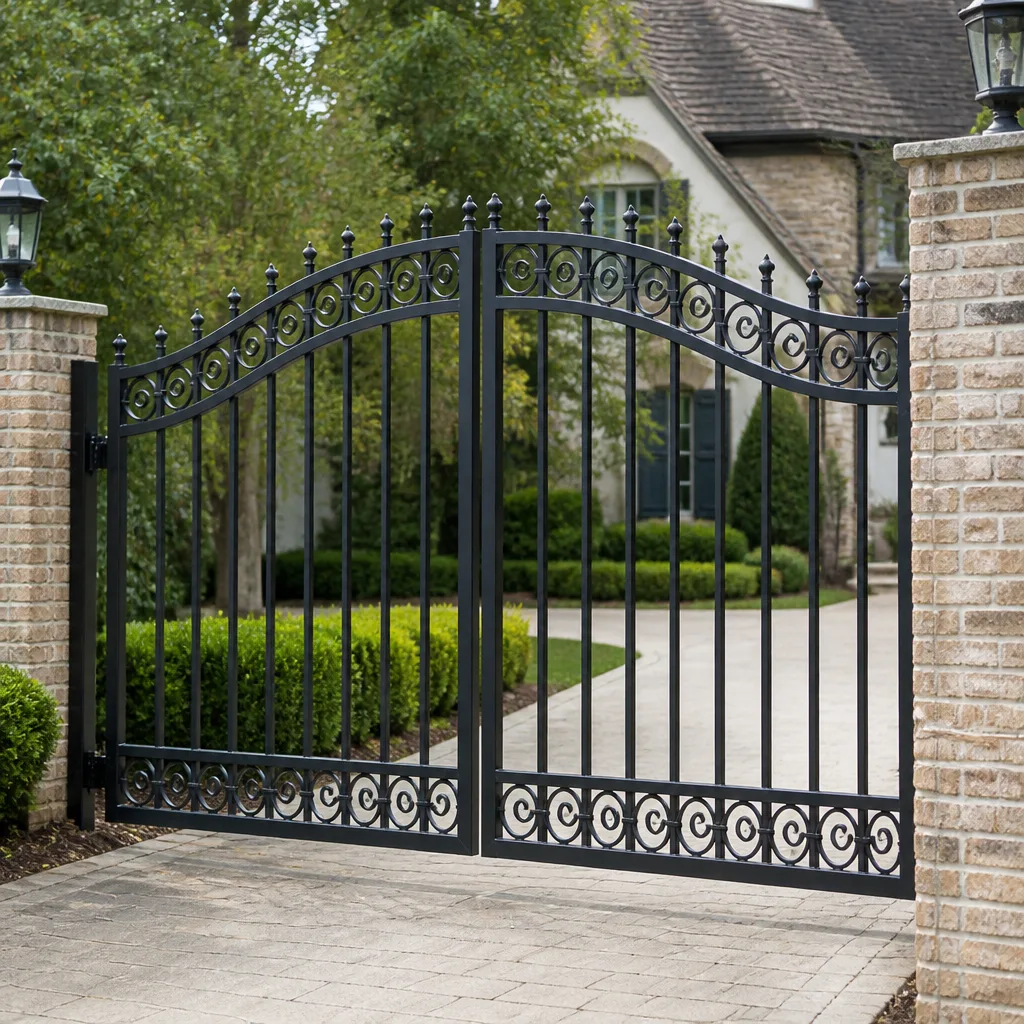 Wrought iron
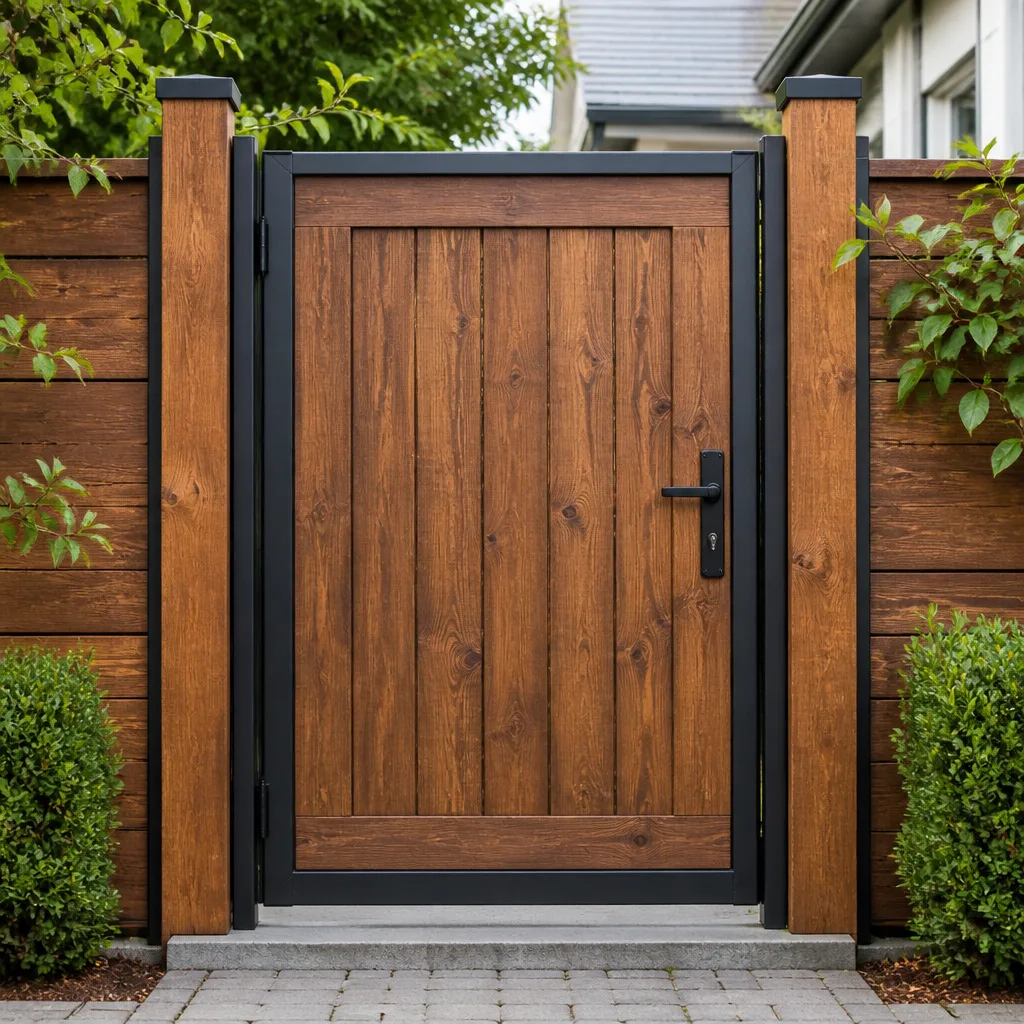 Wood & steel frame
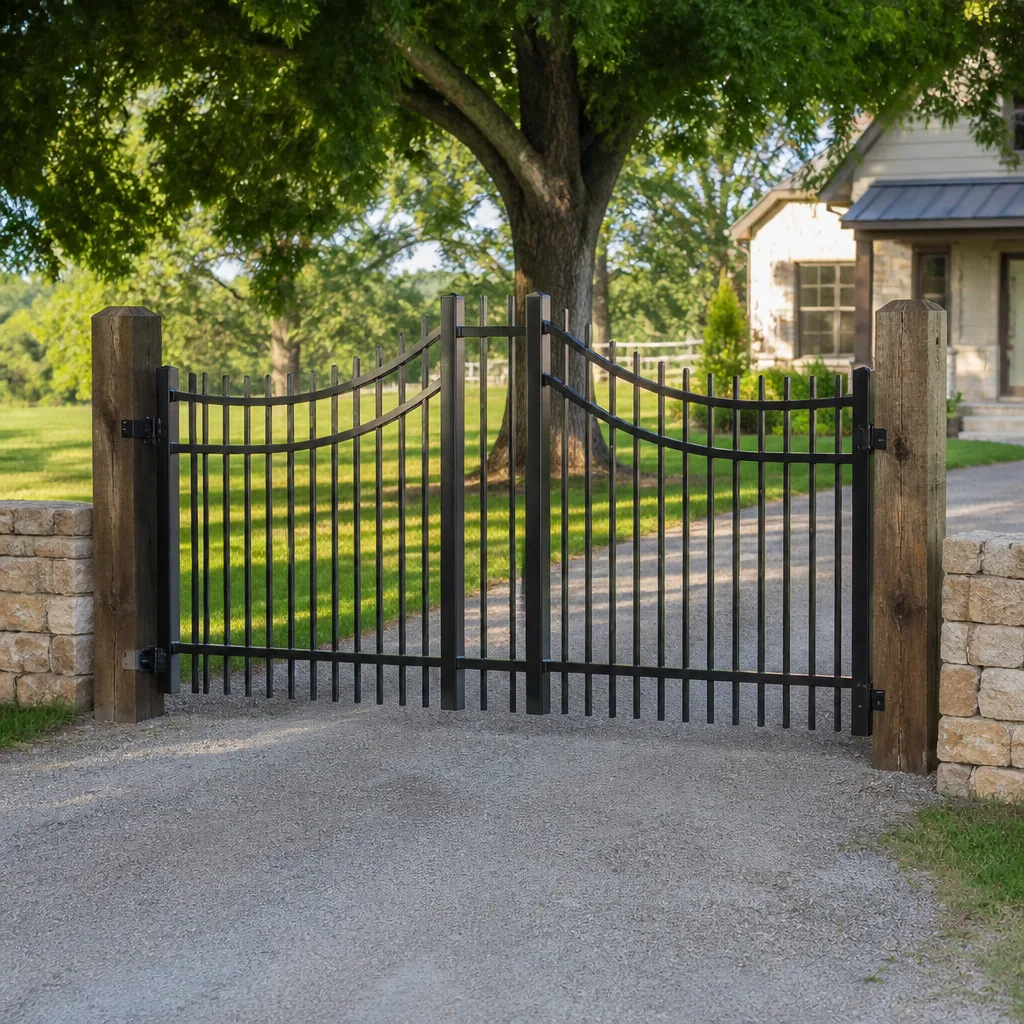 Farm & ranch
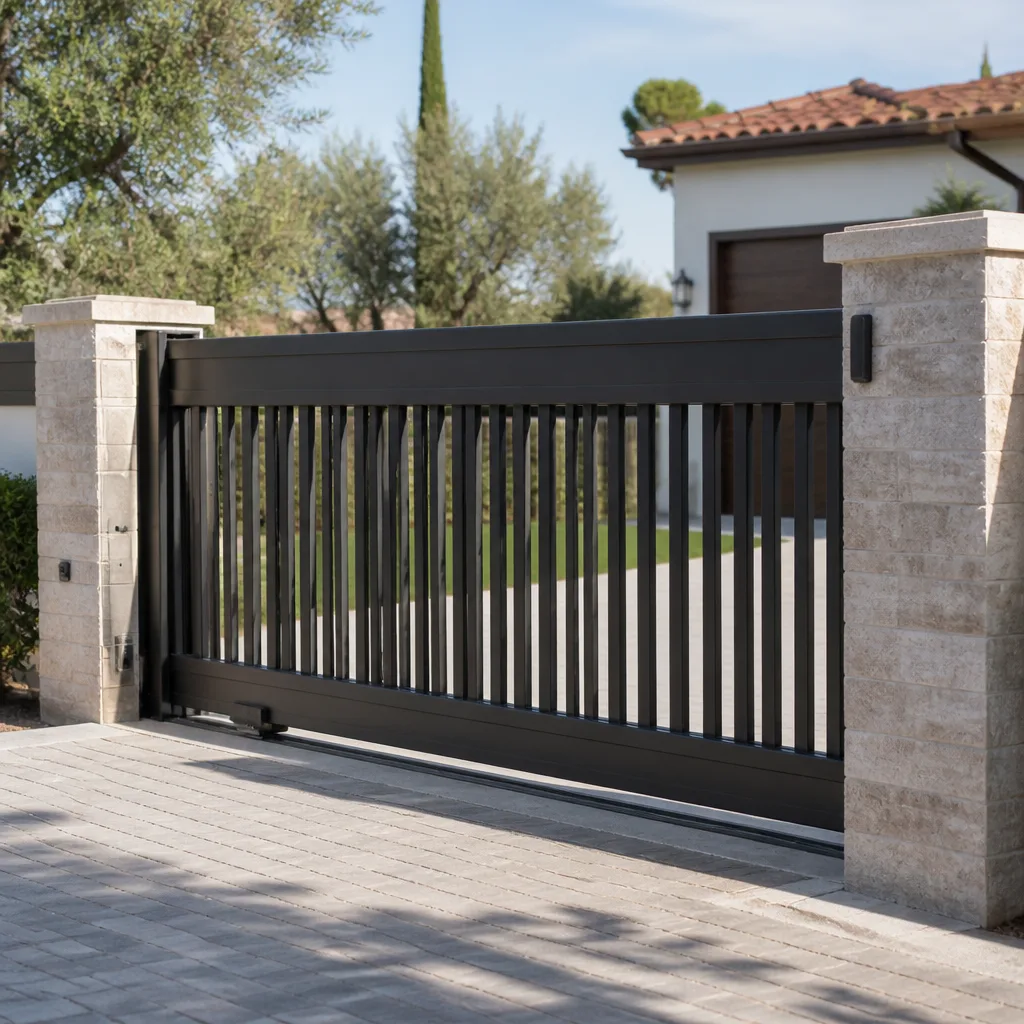 Sliding driveway gates
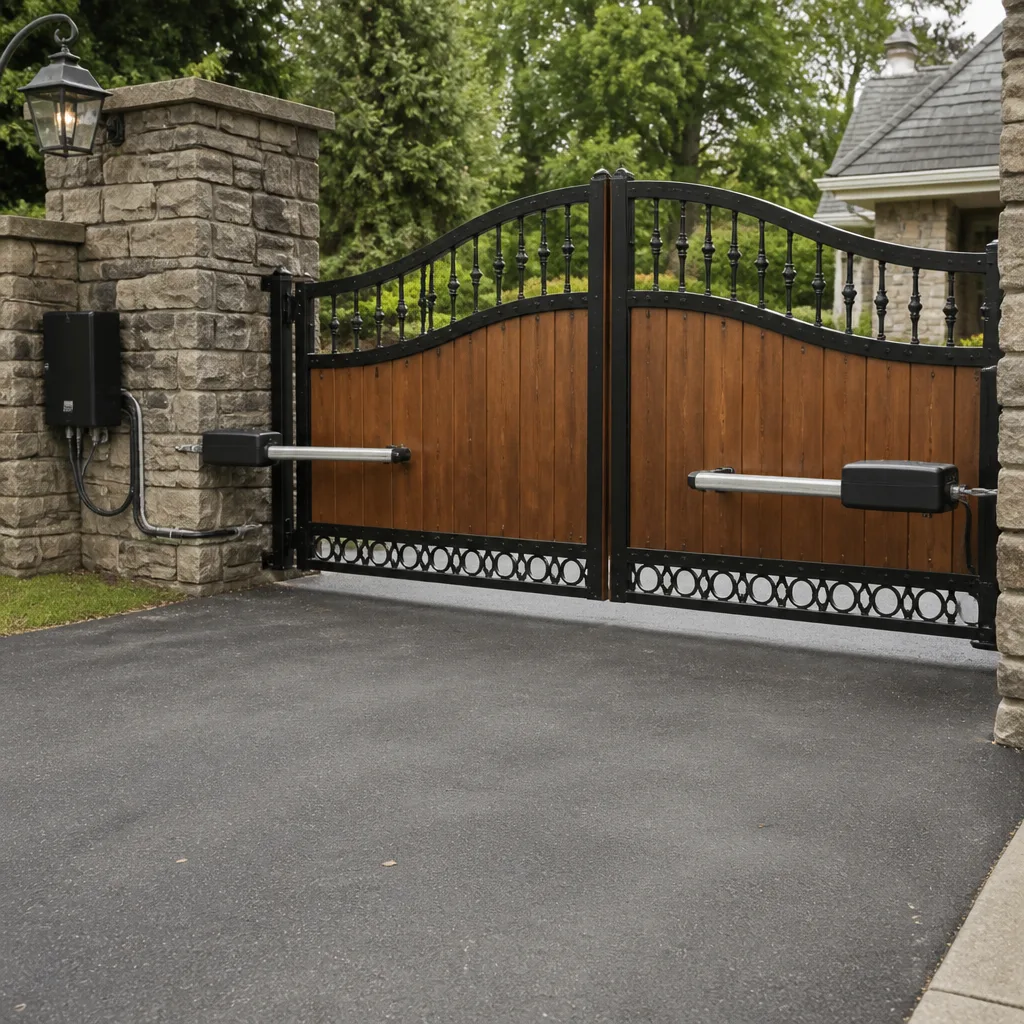 LiftMaster operators
Free on-site gate assessment - hinges, posts, and your LiftMaster or Nice gate operator checked before anything is quoted
The assessment is free and the quote is the invoice.
Get your free estimateGate Repair Troubleshooting in Centennial: Common Problems and How to Fix Them
The gate that “just stopped working” almost never stopped without warning. In our experience, most failures announce themselves days or weeks ahead: a slow spot in the swing, a remote that needs two presses, a slide that drifts past its stop by an inch. Those symptoms get ignored, and then one morning the gate won’t open at all. By then you’re not troubleshooting a mystery, you’re reading back the evidence. This guide does two things. It sorts gate failures into six categories so you can tell which problem you’re actually dealing with, and it shows you how to triage a Centennial gate, manual or electric, into fix-it-yourself and call-a-specialist without guessing.
Quick Answer
Most gate problems trace to one of six causes: power loss, sensor or safety-device obstruction, motor failure, hinge or track damage, a control board fault, or operator misconfiguration. Match the symptom to the category, check the simple things like power and obstruction first, and stop there. Hinge, track, motor, board, and spring work belong with a trained technician. In Centennial, freeze-thaw ground movement and dry, high-altitude air accelerate the mechanical failures you’ll see most often.
Styles & brands we work with
- Wrought iron
- Wood & steel frame
- Farm & ranch
- Sliding driveway gates
- LiftMaster operators
Table of Contents
- The Six Gate Failure Categories
- How to Read the Symptoms You Already Ignored
- Colorado Triggers: Freeze-Thaw, UV, and Temperature Swings
- A Decision Tree for Self-Triage
- Electric and Automated Gate Symptom Sets
- Manual Gate Symptom Sets
- The Three “Looks Simple, Is Dangerous” Repairs
- What to Know About Your Operator Brand
- Common Mistakes to Avoid
- When to Call a Professional
- Frequently Asked Questions
- The Bottom Line
The Six Gate Failure Categories
Every gate failure we work on falls into one of six boxes. Knowing which box you’re in cuts diagnostic time and keeps you from paying a service call for a problem you could have solved with a flashlight and ten minutes. Here they are, with the symptoms that point to each.
- Power loss. The operator is dead, the keypad light is off, the remote does nothing. Symptom check: look for a tripped breaker, a GFCI outlet that popped, or a buried feed line damaged by ground movement. If the gate opens at the wall switch but not the remote, it’s not a power loss, it’s a control or receiver issue.
- Sensor or safety-device obstruction. The gate starts, reverses mid-travel, or won’t close. In Centennial, this is frequently a photo-eye or safety edge knocked out of alignment by a leaning post, or blocked by snowmelt grit caked on the lens. A clean and a realignment often ends the problem.
- Motor failure. You hear a hum or a straining whine but the gate barely moves, or the motor runs hot and cuts out repeatedly. Worn brushes, a failing capacitor, or an overloaded motor under a heavier swing than it was rated for.
- Hinge and track damage. The gate sags, drags on the ground, or the slide gate shudders along the track. Hinge wear, a bent track section, or a post that has shifted in the freeze-thaw cycle. This is where Centennial’s soil movement shows up most.
- Control board fault. Erratic behavior: opens partway, stops, starts again, or the operator clicks repeatedly without moving. A failed board can also leave the gate dead with power confirmed at the terminals. Board diagnosis takes a meter and the operator’s wiring diagram.
- Operator misconfiguration. The gate works, but not the way you want. It opens instead of closing, the remote fades out after a few feet, or the auto-close timer has reset itself. Often the result of a power bump wiping settings or an accidental button sequence. Reprogramming is the fix.
If you’ve matched your symptom to a category, you’ve already done half the work. For anything in categories three through six, that’s where gate repair from a specialist pays for itself compared to a generalist guessing at it.
How to Read the Symptoms You Already Ignored
Almost every dead gate left a trail. The trick is reading it backwards. Ask yourself what the gate was doing in the week before it stopped, and be honest about the small stuff you brushed off. Those symptoms are the diagnostic map.
- A slowing swing or slide. Gate moving consistently slower than it used to, or the motor sounding louder and more labored. Points to motor strain, a straining hinge, or track friction building up. Ignore it long enough and the motor or the board fails next.
- A remote needing two presses. The first press fails, the second works. Usually a weakening battery, a receiver losing signal strength, or an antenna connection loosening. Cheap to fix now, and often the first sign of the control system aging.
- The gate stopping just short of closed. Or reversing a few inches before it settles. Sensor misalignment or a safety edge that’s starting to fault. In cold snaps it gets worse.
- A visible post lean. Look down the hinge side of the gate. If the post has tilted even slightly, the hinge geometry has changed. In Centennial this is a classic early symptom, because the ground moves with the freeze-thaw cycle.
- A drag mark or scrape on the pavement. The gate is riding lower than it should. Either the hinge has worn, the post has settled, or the track on a slide gate has dropped.
- Occasional erratic runs. The gate behaves normally for days, then misbehaves once. That’s a board, a sensor, or a loose connection. Intermittent faults always get worse.
If you can point to even one of these symptoms from the week before the failure, you’ve narrowed the category. Write it down. When a technician arrives, that detail is worth more than any description of the final failure.
Colorado Triggers: Freeze-Thaw, UV, and Temperature Swings
Gates here live in a harsher environment than the same gate in a mild coastal climate, and three local conditions push failures along faster than most troubleshooting guides account for. If you’re in Centennial, these should be on your radar for every gate you own.
Freeze-thaw ground shift and post lean
Front Range soil cycles between frozen and thawed ground repeatedly through the winter. A post set in that soil can heave and settle by fractions of an inch each cycle, and the movement compounds over seasons. The result is a gate that sags, drags, or has a hinge binding against a post that’s no longer plumb. When a swing gate suddenly starts catching, look at the post first. When a slide gate starts rubbing the track, check whether the posts have moved.
UV degradation on rubber seals and weatherstripping
The high-altitude sun is unforgiving on rubber. Seals around the operator, weatherstripping along the frame, and rubber bumpers at the stops all dry and crack faster here than they would at lower elevation. A cracked seal lets moisture into places the operator wasn’t designed to handle, and that moisture freezes. If you can see cracks or feel crumbly rubber, it’s time to replace those parts.
Metal fatigue from temperature swings
Wide day-to-night temperature swings work metal harder than a steady climate. Gate arms, brackets, and hardware flex through thousands of heating and cooling cycles a year. Bolts that were tight two summers ago can loosen, and welds can hairline-crack. If a bracket has started creaking or a bolt has backed out, that’s the swing cycle announcing its wear.
None of this means a gate in Centennial is doomed. It means the maintenance calendar here has to account for post movement, seal replacement, and hardware re-torquing. Catch these early and you avoid the failure entirely. Miss them, and you’re back in one of the six categories.
A Decision Tree for Self-Triage
This is the quickest way to decide whether you should be reaching for tools or a phone. Work through it in order. Stop at the first step that matches your situation.
- Is the operator completely dead? (No lights, no response to any remote or wall switch.) Go to step two. If there’s any response, skip to step four.
- Check the breaker and the outlet feeding the operator. A tripped breaker or GFCI is a legitimate do-it-yourself fix. Reset it and test. If it trips again immediately, stop and call. Something downstream is shorting.
- Power is confirmed but the operator stays dead. This is a board or wiring fault. Do not open the operator housing to investigate. Move to “When to Call a Professional.”
- Does the gate move but then reverse or stop? Inspect the photo-eyes, safety edge, and stop positions. Clean the lenses, clear obstructions, check for a tilted post or gate. If clearing the obstruction fixes it, you’re done.
- Does the gate strain, hum, or move sluggishly? Check for debris in the track or a dragging hinge. Do not adjust spring tension or motor force settings. Call a specialist.
- Is the gate physically damaged? (Sagging, bent track, cracked hinge, broken weld.) Stop operating the gate. A damaged gate under motor power can do more damage to itself and to the operator. Call.
- Does the gate work but not respond to the remote or keypad correctly? Verify the remote battery and re-pair a single remote if you know the procedure. If the whole system is behaving oddly, that’s a misconfiguration or receiver problem. Call.
Two of those seven steps end with “call,” and both are the ones where DIY work risk goes up sharply. If you want a second opinion on your read, the team at Gate Repair Centennial will talk through the symptom with you before a technician is dispatched.
Electric and Automated Gate Symptom Sets
Automated troubleshooting runs on its own logic, separate from any mechanical check. Here’s what to look for and what each symptom means.
Operator won’t power on
Check the breaker, the outlet, and the operator’s own inline fuse if the manufacturer’s manual points to one. Beyond that, a dead operator with confirmed power is a board or transformer issue. Don’t open the housing.
Gate starts and reverses immediately
The classic safety-device symptom. Photo-eyes obstructed or misaligned, safety edge pressed or failed, or the obstruction sensor calibrated wrong. Clean and realign the sensors. If the gate is wide enough that someone could be in its path, this is a serious safety issue, not a nuisance.
Motor runs but gate doesn’t move
On a swing gate, this is often a broken arm connection or a slipping clutch. On a slide gate, a stripped gear or a chain that’s come off the sprocket. The operator is trying to move a load it’s no longer attached to. Stop running it and call. Repeated dry motor runs burn the unit out.
Remote only works up close
Weak remote battery, a failing receiver, or a degraded antenna. Try a fresh battery in one remote as a test. If nothing changes, the receiver or antenna needs diagnosis.
Intermittent operation
Gate works for a while, then stops, then works again. Usually a control board thermal problem or a loose connection. Intermittent faults are the hardest to diagnose without a meter, and the most likely to leave you stranded at the worst time.
Unusual behavior after a power event
A brownout or lightning strike can scramble the operator’s settings or damage the board. If the behavior changed right after an outage, reprogramming is the first step. Damage is the second possibility. Our electric gate repair work centers on these diagnostics because the operator is where electric gates fail.
Manual Gate Symptom Sets
Manual gates fail mechanically. There are no sensors and no boards, so troubleshooting follows a simple physical logic. Check these in order.
- Swing gate sagging or dragging. Worn hinge, shifted post, or a hinge pin that’s worked loose. Lift the gate slightly and check for play in the hinge. Play means the hinge is worn. A post out of plumb means the whole gate needs re-shimming or the post needs resetting.
- Swing gate binding mid-travel. The gate opens fine but catches at a certain point in the arc. Usually a hinge alignment issue or the gate has been pushed out of square. Not a lube job, despite what people try first.
- Slide gate hard to roll. Debris in the track, worn rollers, or a bent track section. Clean the track first. If it still binds, examine the rollers and the track for wear.
- Slide gate derailing or riding up. The gate has climbed the track or a roller has come out of its guide. This is dangerous if the gate is heavy. Stop using it and call.
- Latch won’t engage. The gate hasn’t settled into its stop position, or the latch hardware has worn. If the gate sags, the latch problem is a symptom of the sag, not the cause.
- Noise. Creaking, scraping, or popping. Worn bearings or loose hardware. Use this as an early warning and have the hinge hardware serviced before it becomes a sag.
Manual gates are more forgiving than automated ones and more likely to have a fix you can do with the right parts. But hinge and post work still requires the gate to be blocked up and supported safely. If you can’t safely take the weight off the hinge, call.
The Three “Looks Simple, Is Dangerous” Repairs
Some gate repairs look like they’re a screwdriver and ten minutes away. They aren’t. Here are the three that go wrong most often, and the ones we see cause secondary damage when an owner tries them.
1. Adjusting spring tension or replacing springs
A gate that uses springs to counterbalance its weight, whether swing or overhead style, stores enormous energy in those springs. Releasing or adjusting them without the right tools and technique can cause serious injury in an instant, and it can bend the gate frame beyond repair. This is the single most dangerous thing an owner can attempt on a gate. Leave spring work to a trained technician.
2. Control board resets and reinstalls on automated operators
Unplugging and reseating a control board, or resetting the operator to factory defaults, sometimes looks like a clean fix. It rarely is. An incorrect reset wipes safety-device calibration and can leave the gate operating without reversing properly. That’s a genuine safety hazard, especially on a gate that sweeps across a driveway. Board work needs the wiring diagram and a meter. Call.
3. Freeing a jammed or binding gate under motor power
When a gate binds, the instinct is to push it while the motor is trying to move it. That’s the quickest way to strip a gear, snap a chain, or bend an arm. Motor strain damages the operator. If the gate binds, stop, put the operator in manual release, and address the physical cause before powering it again.
Every one of these three repairs ends up costing more when attempted than when left to a specialist. If you’re not certain, call first.
What to Know About Your Operator Brand
One of the frustrating things about gate repair in Centennial is hearing that your brand is “unsupported.” That’s a red flag about the company, not the gate. A brand-agnostic diagnostic approach means the operator’s make doesn’t determine whether we can help. We work on Driveway operators from DoorKing, Elite, Mighty Mule, LiftMaster, and others. The diagnostic steps differ somewhat from one model to the next, but the six failure categories apply to all of them.
What matters more than the brand is whether the technician knows motor, operator, and access-control diagnostics as a discipline. A general contractor may have installed a gate once. A garage door company may have handled a gate on the side. Neither is where you want a control board fault landing. The specialty matters.
If you want a quick gut check, tell a gate company your operator model and ask what they’d check first. A specialist will talk through the failure category. A generalist will offer an appointment to come look. That’s your tell.
Common Mistakes to Avoid
- Lubricating everything as a first step. Grease on a binding hinge doesn’t fix a worn pin, and it attracts grit that accelerates the wear. Diagnose the mechanical problem before reaching for a can of lubricant.
- Ignoring a leaning post because the gate still works. Post lean is the most common Centennial gate symptom, and it never corrects itself. The ground here moves with the freeze-thaw cycle, and a leaning post will only worsen. Address it before the hinge or track pays the price.
- Buying a new operator before diagnosing the old one. A surprising share of “dead” operators have a failing board, a bad limit switch, or a receiver fault. Replacing the operator without a diagnosis can cost you a working unit and leave the true problem in place.
- Pressing a remote repeatedly when the gate won’t respond. If a remote is failing, pressing harder or more often doesn’t fix it. It may just tell you nothing about whether the gate or the remote is failing.
- Disabling safety devices to make a problem go away. Disconnecting a photo-eye or a safety edge doesn’t fix the failure, it removes the protection. A gate that won’t reverse is a serious hazard, and it’s the exact problem a safety device is there to prevent.
- Waiting for a spring or hinge noise to “settle in.” Gate hardware doesn’t settle into a better state. Noise is wear, and wear gets worse until a part breaks.
- Skipping the seal inspection each season. Cracks in rubber seals around the operator are easy to overlook. On the Front Range, they dry out from the sun and crack in a way you won’t see until moisture gets in and freezes.
When to Call a Professional
Call a specialist when the failure lands in any of these categories: motor failure, control board fault, hinge or track damage, spring work, or any gate that’s physically damaged. Also call if you’ve cleared the power and obstruction checks and the gate still won’t work, or if the gate behaves intermittently. Same-day diagnosis is possible on most repair jobs, and Centennial residents can reach us with a call to (866) 361-9624. We answer 24/7. Fast dispatch from 7am to 7pm, Sunday through Friday. Estimates are free, and the price is quoted and agreed before any work starts. Gate Repair Centennial offers free estimates in Centennial.
Frequently Asked Questions
In most cases it didn’t stop with no warning. There were usually two or three symptoms in the preceding days or weeks: a slowing swing, a remote that needed two presses, a drag mark on the pavement, or a post that had started to lean. The failure is the final event in a sequence. Reading backward from the failure narrows the category quickly. If you can’t recall any symptoms, match the failure to the six categories in this guide and work from there. Call (866) 361-9624 for an exact diagnosis.
You can safely handle power checks, sensor cleaning, obstruction clearing, remote battery swaps, and visual inspections. Anything involving the motor, control board, spring tension, or the operator housing is a specialist job. Board resets and spring adjustments are the two that cause secondary damage most often when attempted by an owner. If you’re not certain which category your failure is in, call before touching anything. Estimates are free.
An annual inspection is a reasonable baseline here, more often if you have a heavy gate, a slide gate, or an automated operator working daily. The check should cover hinge wear, post plumb, operator seals, sensor alignment, and hardware torque. On the Front Range, the freeze-thaw cycle and the sun both work on a gate year-round, so an annual look catches problems while they’re still small. Call (866) 361-9624 to book an inspection.
That’s a safety-device symptom. Check the photo-eyes and any safety edge for obstruction or misalignment. Clean the lenses and clear any debris. If the gate still reverses, or the sensor doesn’t realign cleanly, stop operating the gate and call. A gate that won’t reverse properly is a genuine hazard. Call (866) 361-9624 for fast dispatch, Sunday through Friday, 7am to 7pm.
Yes. We work across a range of drive and entry operators, and we don’t tell owners their brand is unsupported. DoorKing, Elite, Mighty Mule, LiftMaster, and others all get the same diagnostic approach: identify the failure category, test the mechanism and the operator separately, and quote the repair. If your brand isn’t listed, it’s still worth a call. We answer 24/7 at (866) 361-9624.
Yes, and it’s one of the most common causes of gate problems in Centennial. Freeze-thaw ground movement shifts posts gradually, and the gate’s weight then loads the hinge or track differently. The gate stops closing cleanly, hinges wear faster, and sensors go out of alignment. Resetting the post is usually cheaper than replacing the hinge or operator damage that follows if the lean is ignored. Free estimates are available.
The Bottom Line
Gate failures come down to six categories, and reading your symptoms backward gets you to the right one faster than watching the gate die. Power, sensors, and visible obstruction are the checks you can safely handle. Motor, board, hinge, track, and spring work belong with a specialist, especially under the freeze-thaw, UV, and temperature swings that shape gate problems in Centennial. Whether your operator is DoorKing, Elite, LiftMaster, or something else, the diagnostic logic applies. If you’re unsure which category you’re in, a five-minute phone call beats an afternoon of guessing.
Contact
If your gate has stopped, is misbehaving, or needs a fresh look before it fails, call Gate Repair Centennial at (866) 361-9624 for a free estimate. We answer 24/7. Fast dispatch from 7am to 7pm, Sunday through Friday. We work exclusively on gates, from a bent hinge to a failed motor board, and the price is quoted and agreed before any work starts. Reach out for Gate Repair Centennial and get your gate diagnosed correctly the first time.
Written by the team at Gate Repair Centennial, serving Centennial since 2014.
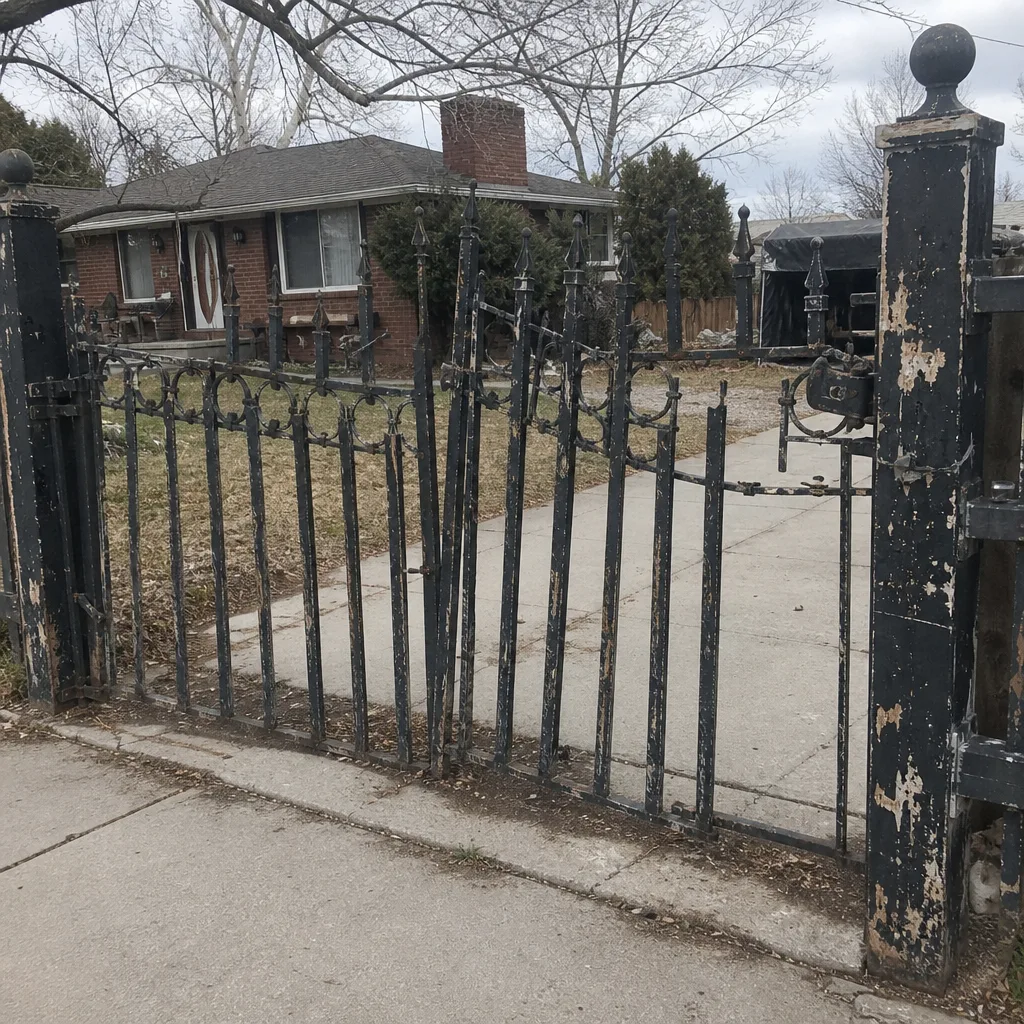
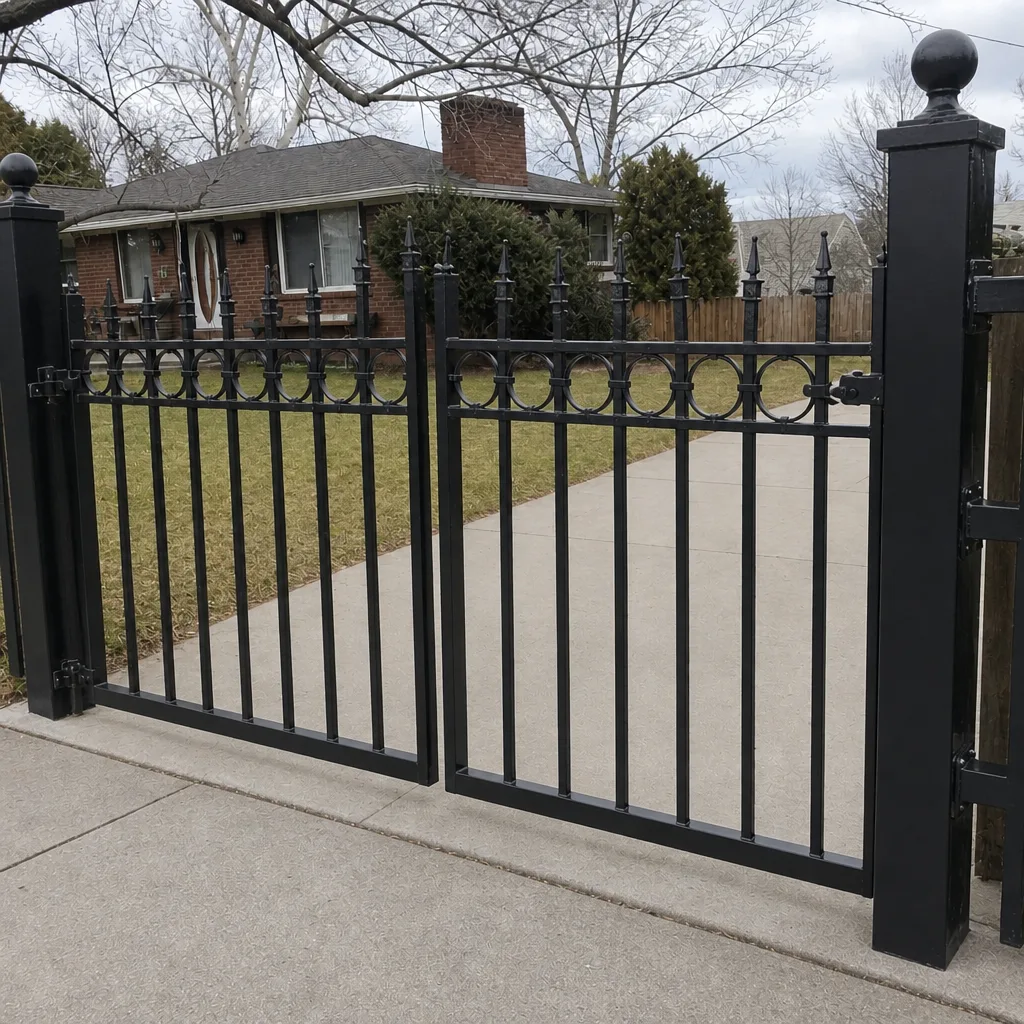
See the difference
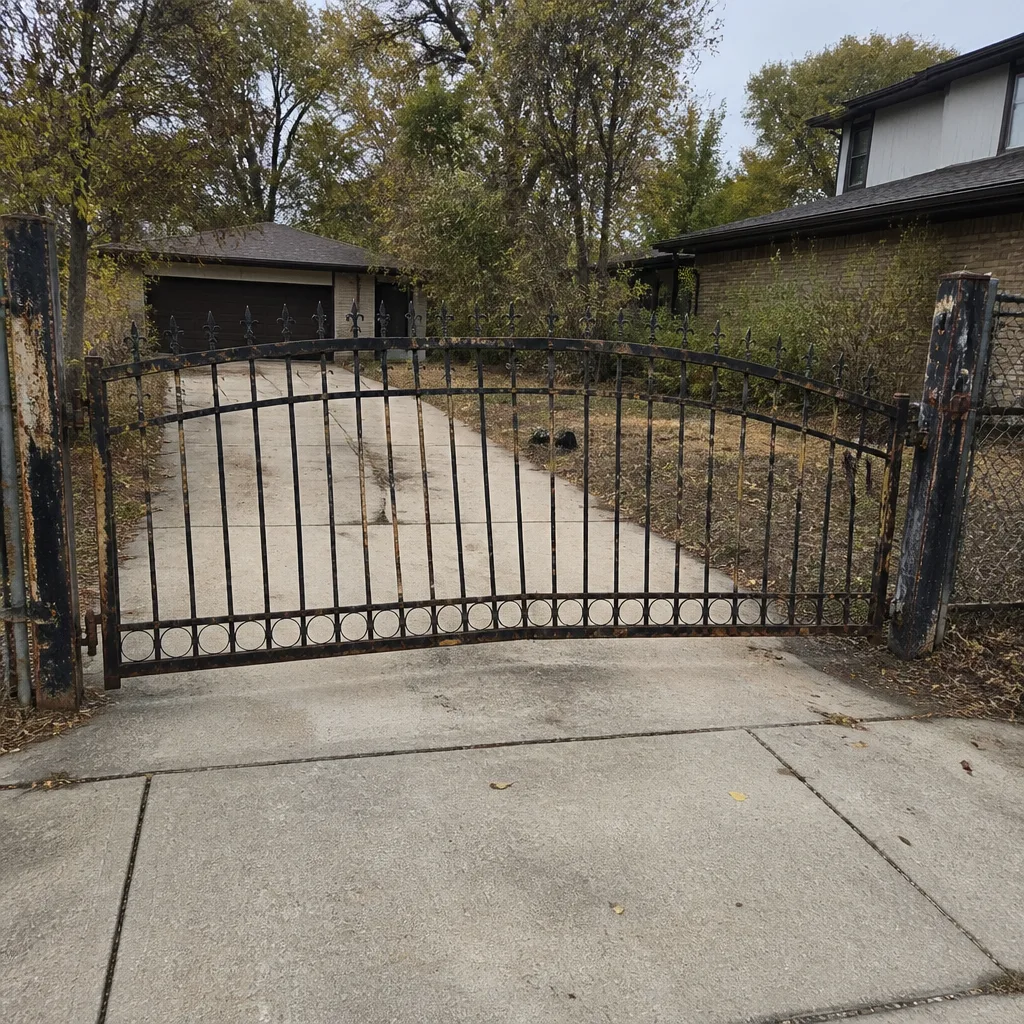 Before
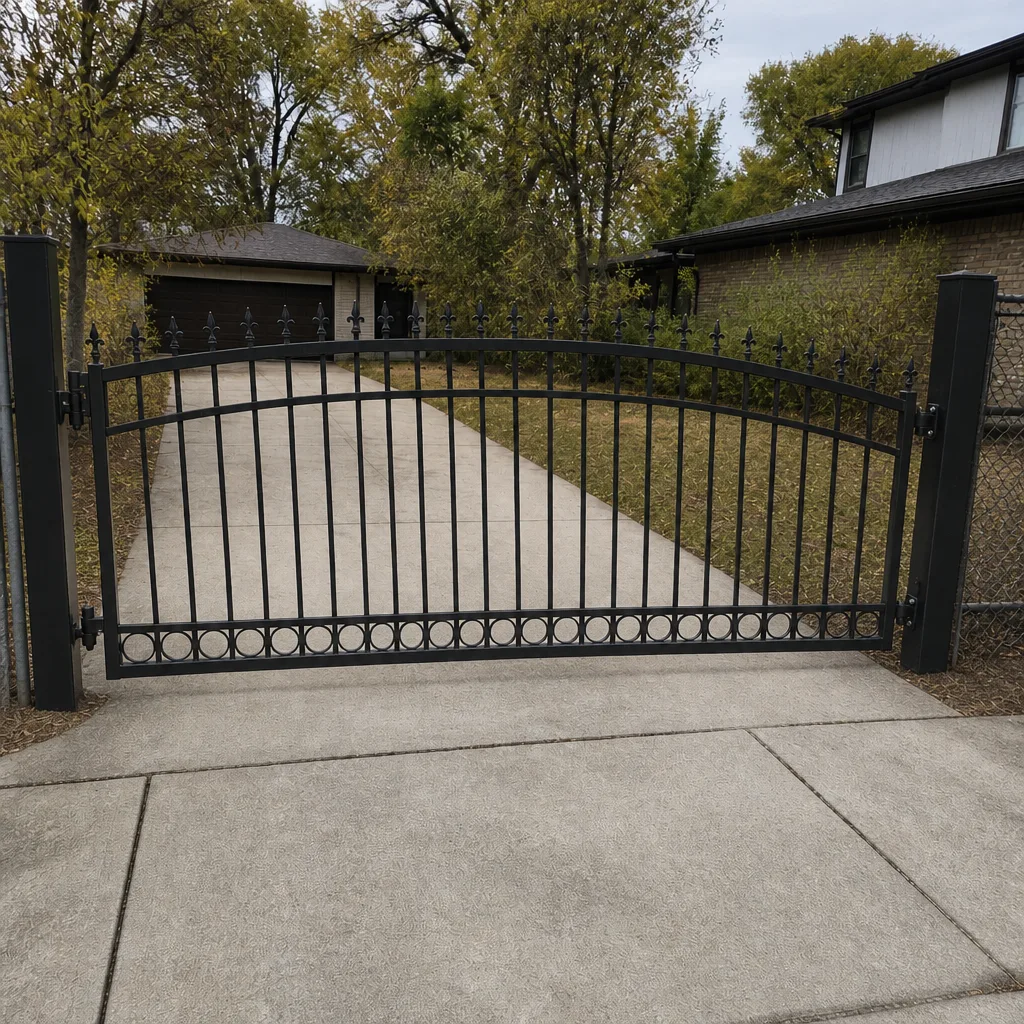 After
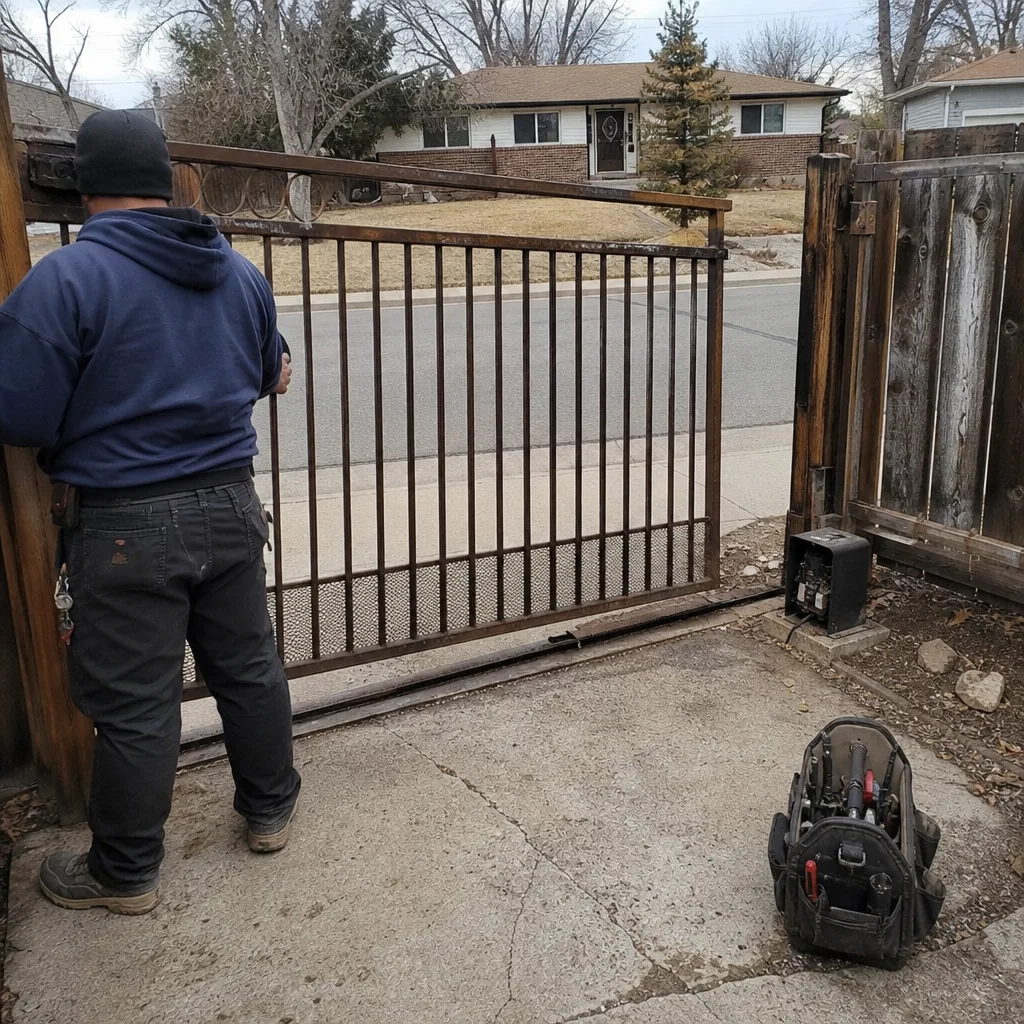 Before
 After
 Before
 After